Maximizing Value: How I Optimize GitHub Copilot Pro and Anthropic Subscriptions for Coding and Research
As a data scientist and developer, I rely on advanced LLMs (Large Language Models) like Claude Opus, Sonnet, GPT-4.1, and GPT-4o for both architectural planning and daily coding. But I quickly learned that the same model behaves differently depending on the platform—and...
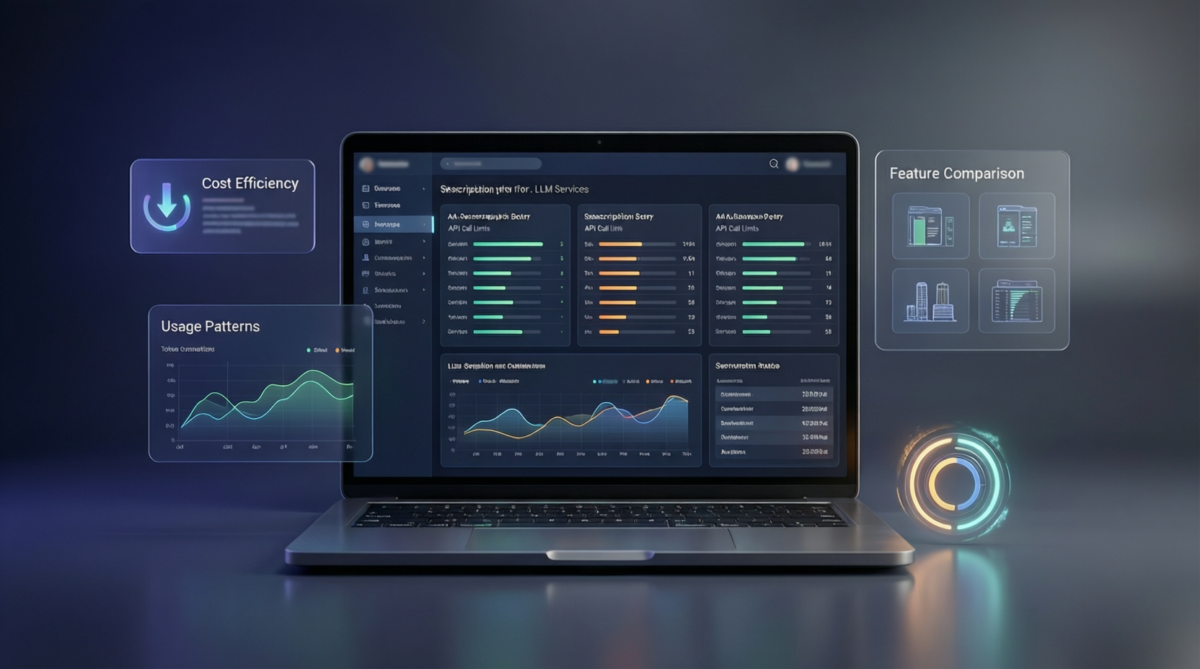
As a data scientist and developer, I rely on advanced LLMs (Large Language Models) like Claude Opus, Sonnet, GPT-4.1, and GPT-4o for both architectural planning and daily coding. But I quickly learned that the same model behaves differently depending on the platform—and that maximizing value is about more than just picking the “best” model. It’s about using each tool where it truly shines, while avoiding unnecessary costs and hitting usage thresholds.
Even if you use the same LLM (e.g., Claude Opus), the experience varies dramatically across platforms:
-
Token and session limits
-
Commercial policies (free vs. paid, throttling, priorities)
-
Infrastructure and reliability
For example, Claude Code CLI often cuts long sessions, while VS Code with Copilot is more stable for extended work. Free tools like Antigravity are fast but not reliable for critical tasks.
I’ve identified two main categories of tasks:
-
Deep reasoning
-
Long context
-
Decisions you don’t want to redo
Best tool: Claude Opus (Anthropic) — worth the cost for a few, high-impact sessions.
-
Fast iteration
-
Debugging, refactoring, testing
Best tool: GitHub Copilot Pro (GPT-4.1/4o) — best cost/benefit for daily work.
-
Excellent for architecture, methodology, academic review
-
Expensive and limited
-
Use sparingly for strategic decisions
-
Good balance of reasoning and code
-
Better “daily driver” than Opus for mixed tasks
-
Strongest for coding
-
Included in Copilot Pro subscription
-
High stability and reliability
-
Cheap, but not on par with GPT-4.1/4o
-
Only for trivial or boilerplate tasks
-
Fast and cheap
-
Acceptable for simple code
-
Inferior to GPT-4.1 for debugging, refactoring, and long context
-
GitHub Copilot Pro ($10): Non-negotiable for coding. Includes GPT-4.1/4o. Best ROI overall.
-
Claude Pro ($20): Justified if you use Opus 1–2 times/month for critical, long sessions. Emergency button for deep reasoning.
-
Antigravity (free): Great for first drafts, but not reliable as a main tool.
-
Open Code CLI: Good complement to Claude Code, reduces dependency on Anthropic CLI.
-
Antigravity + Opus: Initial drafts (architecture, brainstorming)
-
VS Code + Opus/Sonnet: Review and refinement
-
Claude Code (CLI) + Opus: Final validation
-
VS Code + GPT-4.1: Daily coding, refactor, debug
-
Sonnet: Reasoning + code
-
Opus: Only for irreversible decisions
To further minimize costs while maintaining high quality in planning and writing tasks, I use the following phased strategy:
- Google Antigravity + Claude Opus (free):
Architecture
-
Methodology
-
Project design
-
Long-form text
-
Here, Opus is used, but not paid for
- Google Antigravity + Claude Opus (free):
Continuous document
-
All sections
-
No micro-iterations
- VS Code + Copilot
Claude Sonnet:
Coherence
-
Structure
-
Gap detection
-
GPT-4.1 / GPT-4o (free):
Academic style
-
Clarity
-
Language polish
-
No Opus here
- Claude Code (CLI)
Claude Sonnet:
Checklist-style prompts
-
Focused inputs
-
Low consumption, almost never interrupted
-
Use Opus only where it’s free or truly essential
-
Use Sonnet for evaluation
-
Use GPT-4.x for language refinement
Here’s my recommended approach for coding tasks, matching each phase to the best model and platform:
- Google Antigravity + Claude Opus (free):
Use Opus only for:
Designing modules
-
Defining interfaces
-
Deciding patterns
-
Writing pseudocode
-
Do NOT request full code here.
- VS Code + Copilot
Default model:
GPT-4.1 or GPT-4o (included)
- Use for:
Functions
-
Classes
-
SQL
-
Transformations
-
Tests
-
Best latency, less verbosity, zero cost
- VS Code + Copilot
Optimal model:
Claude Sonnet
- Better than GPT for:
Simplifying logic
-
Reducing duplication
-
Detecting code smells
-
Rewriting without breaking semantics
- VS Code + Copilot
Recommended order:
GPT-4.1
-
Claude Sonnet
-
Opus (only for very tough cases)
-
Always provide:
Exact error
-
Stacktrace
-
Minimal reproducible code
- Claude Code (CLI)
Recommended model:
Claude Sonnet
- Use for:
Reviewing edge cases
-
Security
-
Validating assumptions
-
Detecting silent bugs
-
Checklist-style prompts, not dialogue
-
Do not use Opus as an expensive autocomplete
-
Do not repeat long prompts in VS Code
-
Do not pass full files unnecessarily
-
Do not mix design and coding in a single prompt
Premium LLMs are not optimized by model, but by workflow. The real value comes from using each tool for what it does best, not from trying to use the “best” model for everything.
Claude Opus isn’t for coding all day. It’s for thinking when you can’t afford to be wrong.
By understanding the strengths and limits of each platform and model, I’ve built a workflow that maximizes productivity and minimizes cost. The key is to be strategic: use premium models for high-leverage thinking, and rely on Copilot Pro for the daily grind. This approach is mature, rational, and cost-effective—and it lets me get the most out of every subscription.